Windows01
Download MT5
Install MetaTrader 5 and access CG Invest markets from your desktop device.
Download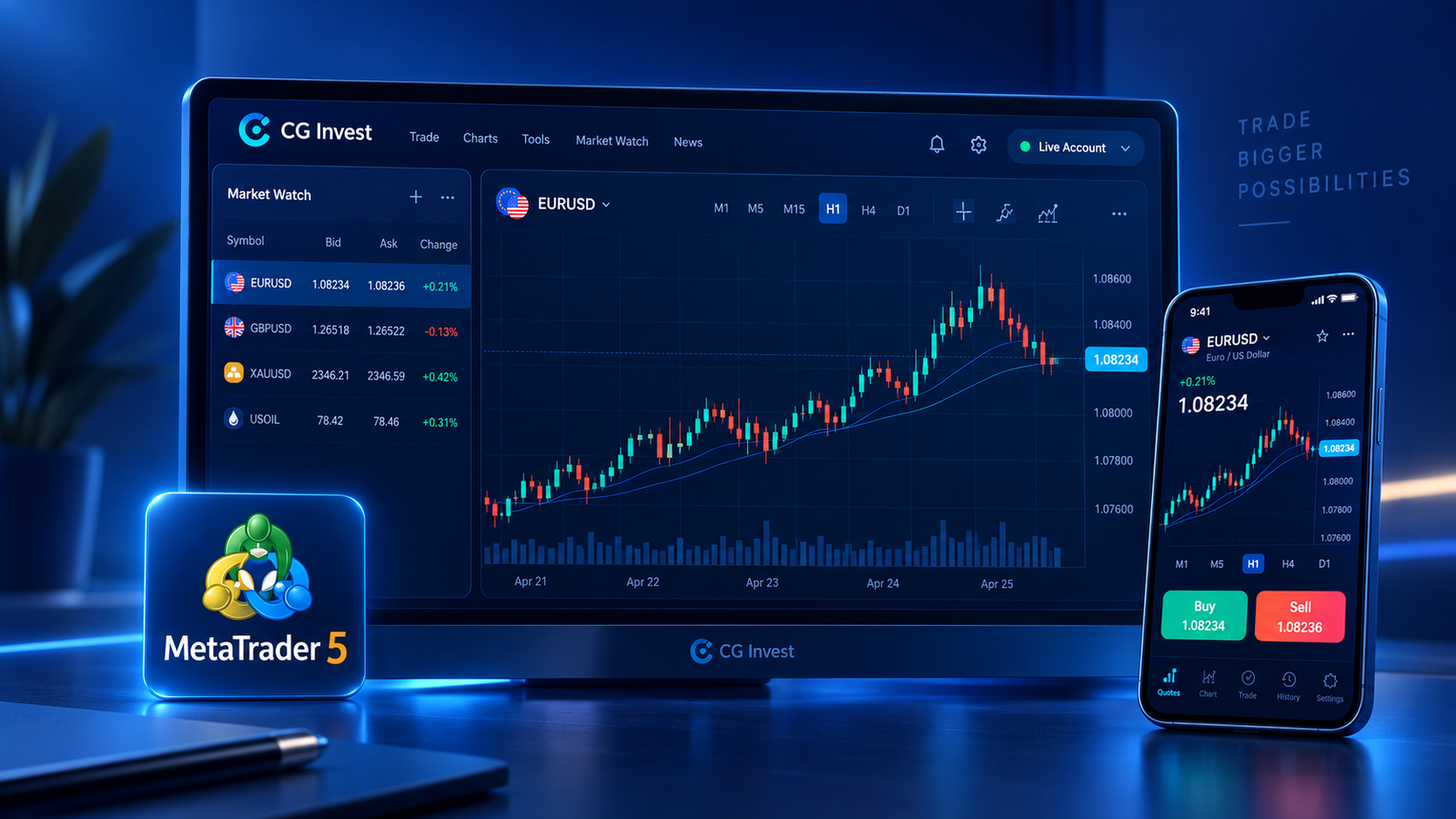
Experience the power and flexibility of the MT5 platform on your PC or mobile with CG Invest.
We have been here long enough to know what you need to succeed in financial markets.

MetaTrader 5 brings charting, market analysis, order management, and automated trading tools into a flexible trading environment for CG Invest clients.
Choose your preferred way to access MT5 and start trading with CG Invest.
Install MetaTrader 5 and access CG Invest markets from your desktop device.
DownloadTrade directly from your browser with MetaTrader 5 WebTrader access.
Open WebTraderDownload the MT5 package for macOS and trade on your preferred device.
Download MacUse the platform tools that help traders analyze, automate, and manage their market decisions.
Analyze markets using professional indicators and drawing tools.
Follow market movement across multiple timeframes and chart layouts.
Stay aware of key market updates while planning trades.
Run automated strategies and expert advisors through MT5.
Move between markets, charts, and order tools with speed.
Open your account, get the platform, and login to trade through CG Invest.
Access your client portal and prepare your trading account.
Choose the MT5 version that matches your device and setup.
Use your platform credentials to connect and start trading.
In this section, you can find answers to some of the most frequently asked questions.
CG Invest is a global financial markets broker with a presence and licensing in several countries. The company offers retail and institutional clients access to global markets on MetaTrader 5.
CG Invest is regulated and authorized by multiple financial authorities, including ASIC, FSC, and SVGFSA, depending on the entity and jurisdiction.
You can trade forex CFDs, metals, indices, commodities, and shares through the CG Invest MetaTrader 5 platform.
Yes. MetaTrader 5 can be used on desktop and mobile devices, and WebTrader access is available for browser-based trading.
Yes. MetaTrader 5 supports algorithmic trading and expert advisors for traders who want to automate strategies.
Login to your myCG Invest account, download or open MT5 WebTrader, then login to the platform with your CG Invest trading credentials.
Access advanced charting, automated trading, and multi-asset support through one powerful platform.